Nova PMS — Hotel Automation System
Cloud-based, multilingual, secure PMS with Nova Agent AI
Generated on:
Pay for what you have. Fair. Transparent. Tiered.
Charging a 8-room guesthouse €150 is unfair. Charging a 50-room hotel €45 is unfair to us. Nova PMS grows with your hotel.
One QR, Smart Binding
Every room has a single QR code. When a guest checks in, the QR is instantly bound to them — every request, minibar item and message is logged under their reservation. On check-out the link breaks, data resets, and the same QR reactivates for the next guest.
Housekeeping Finds, Reception Sees It Instantly
Housekeeping uploads any forgotten item with a photo. Reception gets an instant alert and reaches out to the guest via WhatsApp or email using the number on file. Handover, disposal and archive statuses are tracked from a single panel.
One-Tap SOS for Both Guests and Staff
A large red Panic Button lives in both the guest QR portal and the staff PWA. A 3-second confirm window prevents misfires; once confirmed a siren plays at reception, a full-screen red flash appears, and the panel instantly shows who pressed it and from which room.
Old Part · New Part · 1-Second Approval at Reception
The technician removes the faulty part and takes a photo, installs the new part and takes another. Before/after shots land in the reception panel within one second; the room cannot be re-sold until approved. Guest trust and hotel inventory both stay protected.
Double-booking Attempt = Full-screen Red Alarm
When a second reservation is attempted for the same room on overlapping dates, the server blocks the write, a siren plays and the reception panel goes full-screen red. Both reservations are shown side-by-side and staff must choose cancel / change room / change dates before the alarm can close.
Clock-in · Break · Meal · Clock-out — Live on Screen
Every staff member taps start shift, break, meal, end shift from the PWA. Reception sees a live timeline per person: when they started, how many breaks they took, when they went for meal, when they ended. Total work / break minutes are auto-calculated and pushed to payroll.
Housekeeper Taps · Reception Sees in 1s · Added to Room Folio
The housekeeper marks a consumed minibar item from the PWA in one tap. Product, quantity and price arrive at the reception panel within one second, get added to the guest's room folio automatically, and appear on the check-out invoice. Stock is decremented and the staff member is recorded.
Guest Writes in Their Language · Reception Sees Turkish · Reply Goes Back Translated
A foreign guest sends a request from the QR portal in English, German, French, Russian, Arabic — any language. Nova AI translates it to Turkish and drops it at reception within a second. The receptionist replies in Turkish; the system translates back to the guest's language. Both sides speak their own language, both versions are logged.
Ask Every Employee in One Tap · See Who's Staying, Who's Not — Live
When the hotel gets busy, the manager sends an overtime poll to all staff in one tap. Each phone rings and vibrates, staff answer 'I stay / I can't' in seconds. The panel shows a live counter: accepted, declined, who said what — instant, filterable by department.
System Assigns to the Least-Busy Staff · Nobody Overworked, Nobody Idle
When a new cleaning, maintenance or call comes in, the system measures each active staff member's load (pending + in-progress + completed) and auto-assigns to the least busy one. No one cleans 8 rooms while another does 2. Fair distribution = happy team, fewer mistakes, faster service.
Online Check-in, Digital Contracts and 3-Step Fast Entry
Guests get an online check-in link before arrival and complete ID, vehicle plate and contract signing on the way. At the desk reception moves through three steps: ID Verified → Card Delivered → Ready for Entry. Seven ready-made digital contract templates ship with the system.
- 1Accommodation Agreement
- 2Privacy / GDPR Notice
- 3Room & Key Card Handover
- 4Pet Policy Undertaking
- 5Vehicle & Parking Declaration
- 6Early Departure / Cancellation
- 7Damage & Deposit Statement
Timed Do-Not-Disturb, Late Checkout Check and Wake-Up Service
All three guest-panel requests run on self-deciding flows. DND clears itself when the time is up, late checkout is answered instantly against live reservations, and wake-up calls become timestamped reception tasks that escalate with a siren if missed.
- ✓The guest picks a duration; housekeeping and reception see it instantly.
- ✓When time is up DND clears itself and the guest gets a notice.
- ✓On departure day without an extension it lifts 2 hours before checkout.
Nova Hotel Brain, the Hotel's Digital General Manager
Hotel Brain reads the whole operation: occupancy, revenue, staff performance, VIP guests and risks. Every morning it prepares a briefing for the manager and surfaces revenue leaks and pricing opportunities. It never acts on its own — each suggestion waits for your ✔ Apply / ✖ Dismiss. Packages (Basic · Pro · Premium · Enterprise) decide which analyses are unlocked; demo hotels can showcase every package.
AI Center, the Hotel's Own Promo Studio
The AI Center runs on the hotel's own data: script, voice-over, images and video are built from the hotel name, room types and facilities — promoting the hotel, never the software. In Video Studio automatic scene analysis prioritises the hotel's own photos, audio and visuals sync automatically, and scripts support TR / EN / BG. Credits arrive with a package: generation steps consume credits, while the Projects board and Media Library are included and consume nothing.
Routine Maintenance, Preventive Care Before Breakdowns
Technical Service is no longer just a fault-fixing module; it now manages every periodic maintenance process in the hotel. Nova's ready-made maintenance templates (generator, AC filters, elevator, fire extinguishers, boiler, pool, electrical panel and more) load automatically; the hotel can enable or disable them, change the period and responsible staff member, or add its own custom maintenance items. When maintenance is due the system creates the task automatically, it appears in the technical service panel, and once completed it is written to the maintenance history with the next date calculated automatically. Nova Hotel Brain only analyses these records — the maintenance plan is always owned by Technical Service.
AI Concierge, a 24/7 Multilingual Digital Guest Assistant
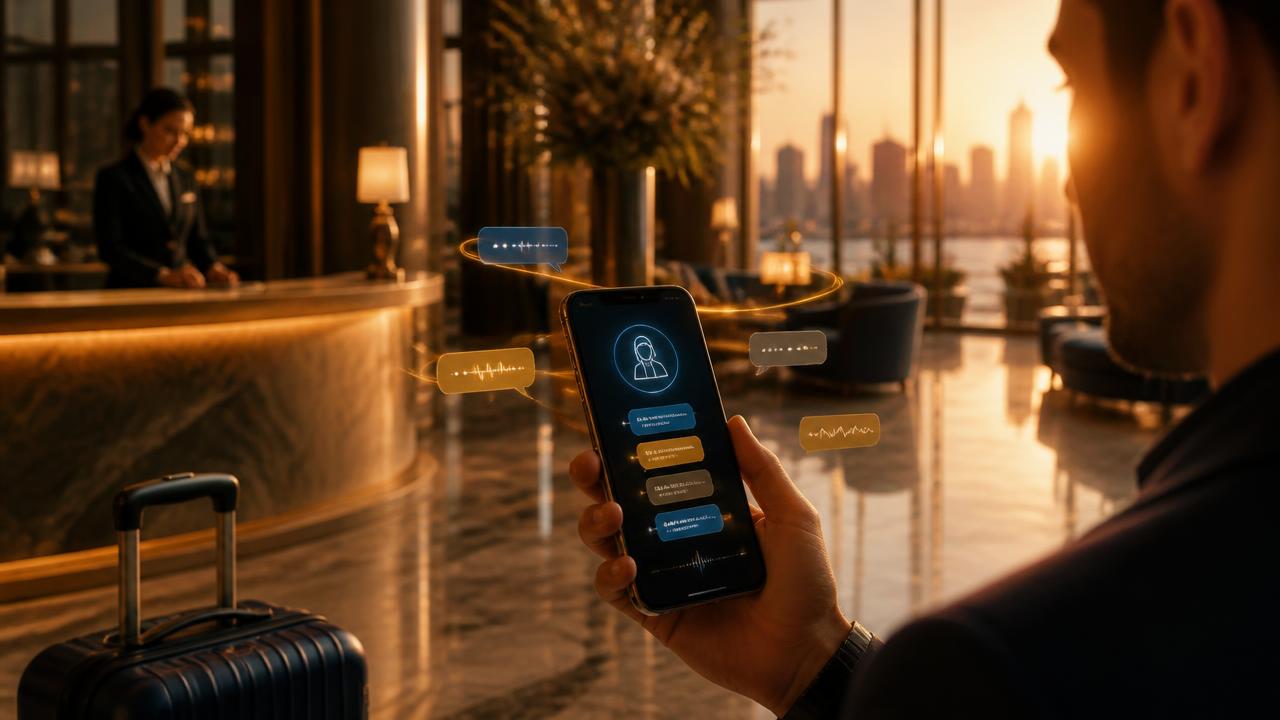
AI Concierge answers every question arriving from the QR guest panel in the guest's own language: breakfast hours, spa booking, pool rules, transfers, late check-out, room service. Answers are generated from the hotel's real data — never invented. Anything that needs action is routed to the right department (front desk, housekeeping, technical service) as a task and appears instantly in the staff panel. Basic · Professional · Premium packages decide which languages, channels and automations are unlocked.
Group Reservations, Manage a 300-Guest Party on One Screen
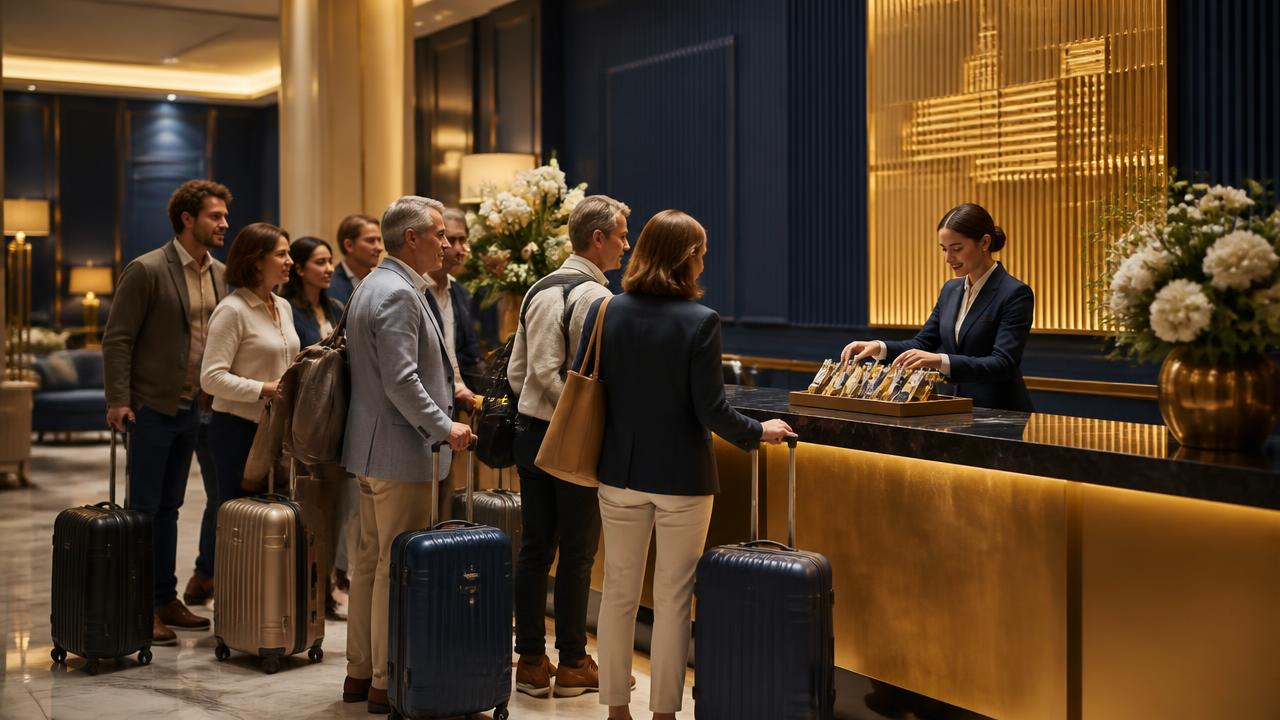
Agency and corporate parties are no longer typed in one by one. Upload the Excel rooming list and the system runs a readiness check and a dry-run analysis before creating anything: it proposes room allocation by capacity, calculates the discounted group rate, and only writes the reservations after you approve. Arrival brings per-guest check-in, no-show handling, group check-out and a one-click group report. Room charges post to the agency/company account while guest extras (minibar, restaurant, spa) stay on the guest's own folio.
Plans & Pricing
| Paket | Oda | mo | Oda başı | Guesthouse |
|---|---|---|---|---|
| STARTER | 1 – 10 rooms | $76.5 | $4.5 / room | Guesthouse · apart · boutique |
| BUSINESS | 11 – 25 rooms | $118.5 | $3.5 / room | Boutique · family hotel |
| PROFESSIONALMost Popular | 26 – 50 rooms | $181.5 | $2.5 / room | Mid-size city hotel |
| ENTERPRISE | 51 – 100 rooms | $313 | $2 / room | 4-star · resort |
| CUSTOM | 100+ rooms | Quote | On request | Chain · 5-star |
All plans include core modules (reception, reservations, housekeeping, cashier, invoicing, guest portal). Your plan auto-upgrades as you add rooms.
Modular Add-ons
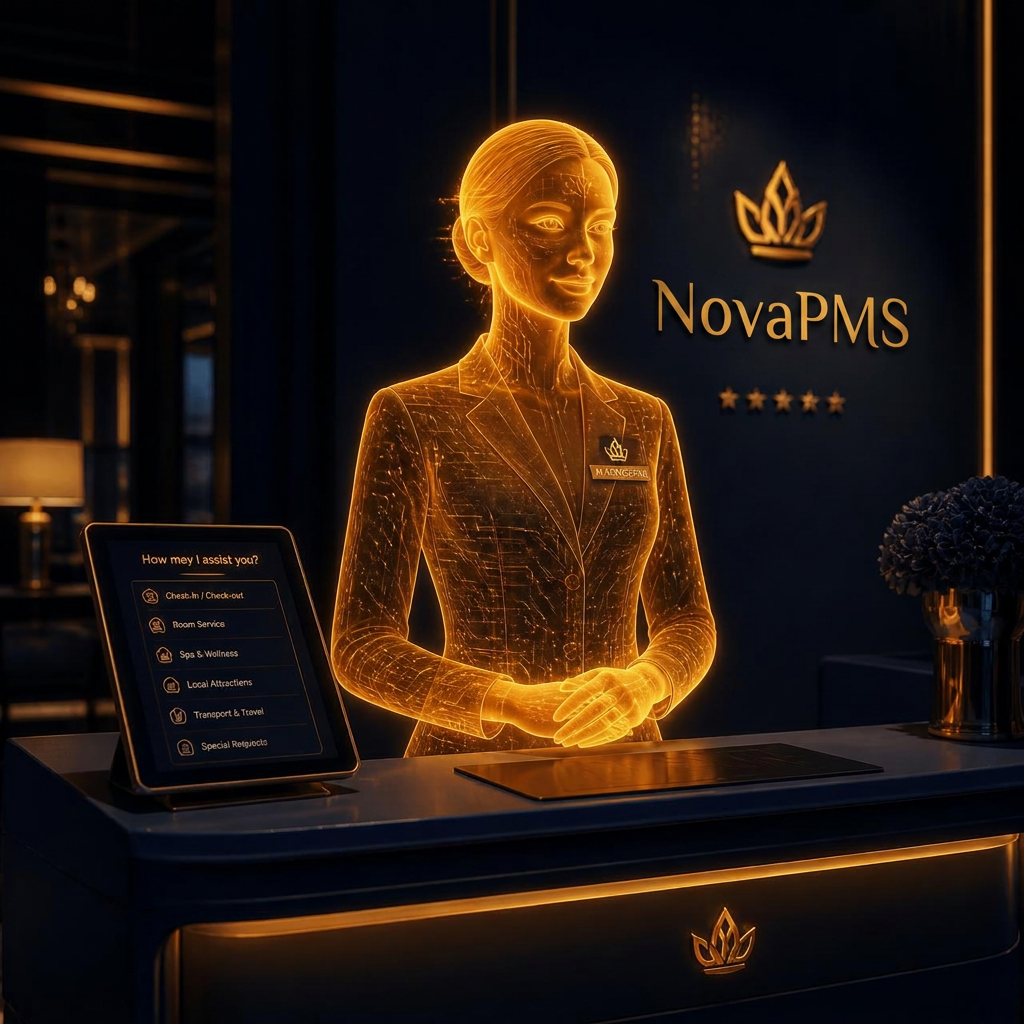
Nova Agent — the manager that never sleeps.
Catches cash shortages, fraud attempts, missing legal IDs and fixed-FX violations in real time. Reminds staff, alerts reception, reports to you.
- Cashier handover lock & open-tab detection
- Fraud / leak detector (discount & void patterns)
- Alerts on rooms missing legal ID declaration
- Auto-catches fixed FX-rate violations
- Task, shift and approval reminders
Standard Features (In Every Plan)
If a guest falls ill — siren. Bad review — flash. Check-out — housekeeping ping. Cashier left open — lock. A silent manager on duty 24/7.
- Live low-rating · panic button · conflict siren
- Auto housekeeping routing + fair workload split
- Cash / card split · cashier handover lock
- Manual FX rate — auto-propagated system-wide
- VAT invoice · PDF · WhatsApp delivery
- Persistent room QR key · guest portal
- Wake-up · DND · 20-min delay alert
- PWA staff app · push notifications
- Photo-verified technical service queue
- Nova Agent fraud / leak detector
- TR · EN · BG · EL multilingual UI
- Full data isolation per hotel via RLS